How to register a limited company in Norfolk: a 2026 checklist
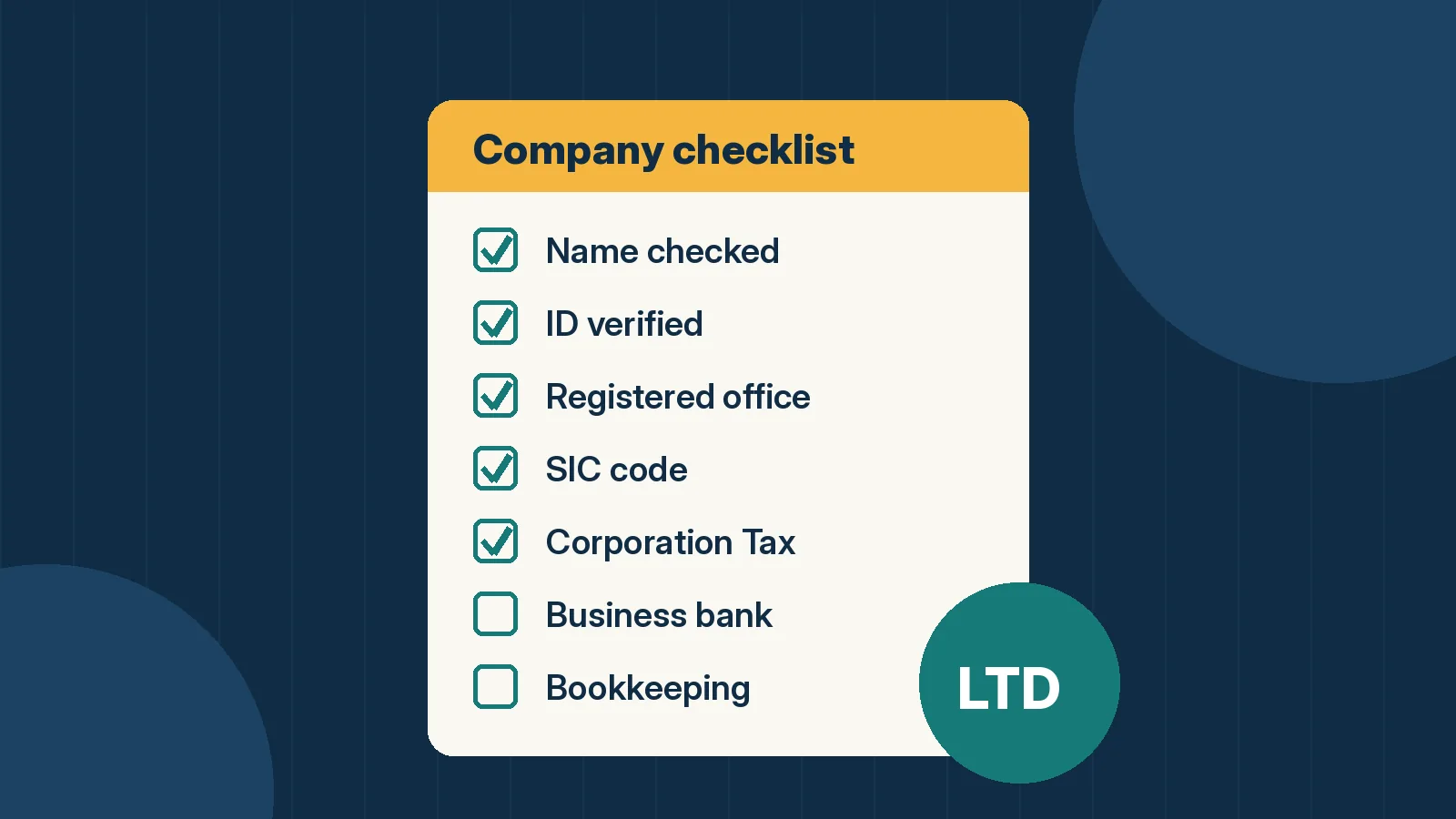
Setting up a limited company is one of those jobs that looks daunting until you sit down and do it. For most people it takes an evening of preparation and a £100 online fee, and Companies House usually registers the company within 24 hours. What has changed recently is the identity checks, so if you last formed a company a few years ago, the process won't be quite how you remember it.
This checklist walks through each step in order, with what it costs, what to have ready, and where to get free help here in Norfolk. Every fee and rule below was checked on GOV.UK on 21 October 2026.
Before you start: is a limited company right for you?
Plenty of Norfolk businesses, from window cleaners in Dereham to bookkeepers in Wymondham, run perfectly well as sole traders. A limited company is a separate legal entity, so your personal assets are usually protected if the business runs into debt. Some clients and suppliers also prefer dealing with a company. In exchange, you take on more admin: annual accounts, a confirmation statement, a Company Tax Return and stricter rules on taking money out.
If you're unsure, a chat with an accountant or one of the free local advisers listed below is time well spent.
Step 1: Choose and check your company name
Your name must end in "Limited" or "Ltd" (registering without "Limited" means applying by post). It can't be the same as an existing company, and some words, such as "Royal", "Bank" or anything suggesting a link to government, need permission. Use the free Companies House name availability checker, then search the Intellectual Property Office's trade mark register too. A name being free at Companies House doesn't mean nobody owns the trade mark.
Step 2: Verify your identity with Companies House
This is the big change. Since 18 November 2025, every new director has to verify their identity before they can incorporate a company or be appointed. People with significant control (PSCs), usually anyone holding more than 25% of the shares or votes, have to verify too.
- How: online through GOV.UK One Login, which is free and takes a few minutes with photo ID such as a passport or driving licence. You can also go through an Authorised Corporate Service Provider (ACSP), such as an accountant or formation agent, who may charge.
- What you get: a Companies House personal code. You give this code when you register the company, and you'll need it again later, so keep it somewhere safe.
- More than one director? You'll need each director's personal code before you can register.
You only verify once. Acting as a director without verifying is an offence, so don't leave it to the last minute.
Step 3: Sort out your registered office and registered email
Every company needs a registered office in the same UK nation it's registered in, so a Norfolk company registered in England and Wales needs an address in England or Wales. It has to be an "appropriate address": post sent there must reach someone acting for the company, and you must have permission to use it. A PO box on its own isn't allowed.
The registered office is public. If you use your home address in Norwich or Sheringham, anyone can look it up. Many sole directors use their accountant's address or a registered office service instead. Companies also need a registered email address for Companies House to contact you. That one isn't published, but it must be an inbox someone actually checks.
Step 4: Pick your SIC code
A SIC (Standard Industrial Classification) code describes what your company does. You choose at least one, and up to four, when you register. A Holt café might use 56102 (unlicensed restaurants and cafés), and a Norwich web designer might use 62012 (business and domestic software development). Search the full list on GOV.UK by keyword and choose the closest fit. You can change it later in your confirmation statement.
Step 5: Decide on shares, directors and PSCs
For most small companies this is simple: one director, who is also the only shareholder, holding a small number of ordinary shares (often 1 or 100 at £1 each). If you're starting with a partner, agree the split in writing now.
The online service uses standard "model articles of association", which suit most small companies.
Step 6: Register with Companies House (£100)
Use the "Set up a limited company and register for Corporation Tax" service on GOV.UK. Since 1 February 2026, it costs £100 online, payable by debit or credit card, and the company is usually registered within 24 hours. Registering by post with form IN01 costs £124 and takes 8 to 10 days.
You'll need your personal code, the company name, the registered office, the registered email, your SIC code, and the share and PSC details. You'll also create a new Government Gateway user ID for the company, separate from your personal one. Once it's approved, you'll get a certificate of incorporation showing your company number.
Step 7: Get set up for Corporation Tax
If you use the online service, the company is usually set up for Corporation Tax at the same time. When your 10-digit Unique Taxpayer Reference (UTR) arrives, add Corporation Tax services to the company's business tax account. If it wasn't set up at registration, you must tell HMRC within 3 months of the company starting to do business, which includes trading, advertising or taking on staff.
For reference, the small profits rate is 19% on profits up to £50,000, and the main rate is 25% on profits over £250,000, with marginal relief in between. If you'll pay yourself a salary, register the company as an employer for PAYE too. You can do that during registration.
Step 8: Open a business bank account
A limited company's money belongs to the company, so it needs its own account. High street banks and app-based banks all offer business accounts. Compare fees and how well each connects to your accounting software. Some accounts include free accounting software. For example, FreeAgent is free with NatWest, RBS and Ulster Bank business accounts, and with Mettle if you make at least one transaction a month.
Step 9: Set up your bookkeeping from day one
Your company must keep proper accounting records, file annual accounts with Companies House and send a Company Tax Return to HMRC every year, even if it makes a loss. Cloud accounting software with a bank feed makes this far easier than a spreadsheet.
Our guide to the best accounting and bookkeeping software for Norfolk small businesses compares the main options and current prices. Xero is on our perks page, and Dext is handy for snapping receipts so they don't pile up. If you're likely to register for VAT, read our Making Tax Digital guide too.
Step 10: The bits people forget
- Insurance: employers' liability insurance is a legal requirement once you take on staff. Public liability and professional indemnity are worth considering too.
- Licences: food businesses must register with their district council, such as Norwich City Council or Broadland and South Norfolk, at least 28 days before opening.
- Data protection: most businesses that handle personal data have to pay the ICO data protection fee.
- Diary dates: put the deadlines for your first confirmation statement, accounts and Company Tax Return in your calendar now.
- Contracts: once you're quoting for work, an e-signature tool such as Signable gets terms agreed in writing without printing anything.
Free help in Norfolk
You don't have to work this out alone. These are all running as of October 2026:
- New Anglia Growth Hub: free, impartial business advice across Norfolk and Suffolk, delivered by Norfolk and Suffolk County Councils. Call 0300 333 6536 or visit newangliagrowthhub.co.uk.
- Business & IP Centre (BIPC) Norfolk: based on the second floor of the Millennium Library at The Forum in Norwich, with one-to-ones, workshops, free market research databases and intellectual property advice. There are smaller BIPC Local centres at Cromer, Great Yarmouth, King's Lynn, Thetford, Wroxham and Wymondham libraries. See norfolk.gov.uk.
- MENTA: start-up workshops and mentoring across Norfolk and Suffolk, with fully funded places for 18 to 30-year-olds and military veterans, plus a free full-day start-up workshop every quarter. See menta.org.uk.
- Norfolk Chambers of Commerce: networking, events and HR and legal helplines. Membership for sole traders and micro businesses starts at £30 a month (£360 a year, excluding VAT) and includes desks at their Business Hub in central Norwich. See norfolkchamber.co.uk.
Your quick checklist
- Name checked at Companies House and the IPO
- Identity verified, with your personal code saved
- Registered office and registered email sorted
- SIC code chosen
- Shares, directors and PSCs agreed
- Registered online (£100)
- Corporation Tax set up, and PAYE if you'll pay a salary
- Business bank account opened
- Accounting software and receipt capture set up
- Insurance, licences, ICO fee and deadlines diarised
Fees and rules were checked on GOV.UK on 21 October 2026 and can change. This is general information, not tax or legal advice. For decisions specific to your business, speak to an accountant.